Suites and custom domains
Organize apps into suites with separate login directories, attach custom hostnames, and verify DNS ownership with TXT challenges.
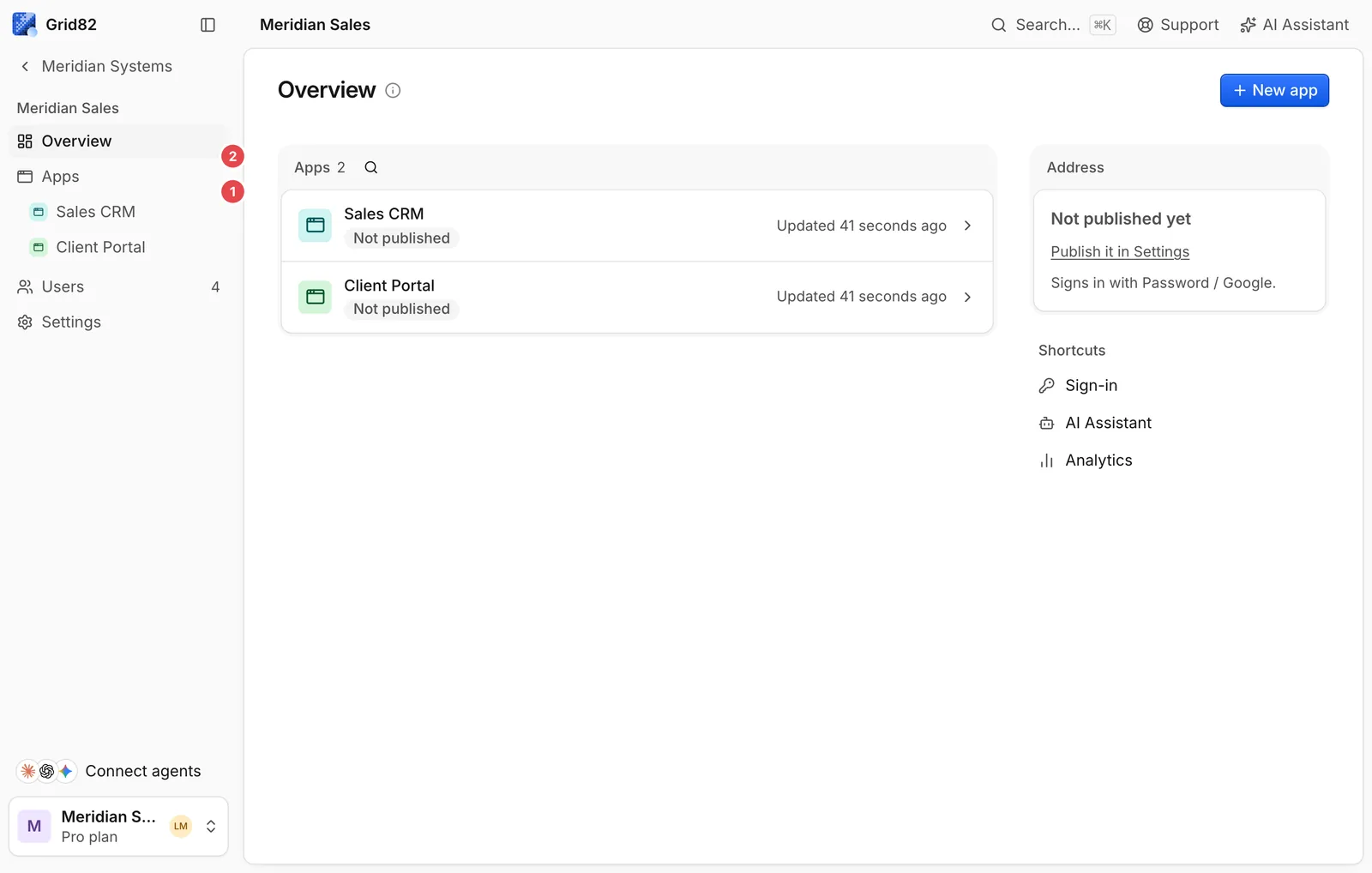
A suite is a workspace boundary that groups related apps under one sign-in page, one user directory, and one web address ({suite}.grid82.app or your custom domain).
When to create a separate suite
- Separate audiences or clients. Agencies building portals for different clients keep each client in its own suite so user directories never mix (even if the same human email is invited to two clients, those are isolated accounts).
- Shared team login across apps. Keep apps that belong to the same team (such as
Sales CRM,Client Portal, andOnboarding) in one suite so members sign in once and switch apps or connect a single suite MCP server (https://{suite}.grid82.app/mcp).
Custom domains
On Pro and Custom plans, you can attach custom hostnames (such as portal.yourcompany.com) to any suite from the suite’s Domains tab or via domains.attach.
Attach the hostname
Add your domain in the Studio. Grid82 validates that the hostname does not belong to grid82.app, workers.dev, or another active Grid82 organisation, then issues a one-time DNS TXT verification challenge.
Publish the TXT verification record
Add the generated TXT record to your DNS zone:
- Name.
_grid82-challenge.portal.yourcompany.com(or_grid82-challenge.<your-host>) - Value.
grid82-verify=<token>
Point your hostname’s CNAME or DNS routing record according to the domain setup panel in the Studio.
Verify ownership
Click Verify (or call domains.verify). Grid82 queries multiple public DNS resolvers (Cloudflare, Google, and Quad9) concurrently so a stale negative DNS cache never blocks activation. Once verified, the domain starts serving your suite’s login page, Runtime apps, /v1 API, and /mcp server under your own hostname with zero grid82.app URLs visible to end users.