In-app assistant
Query your tables in plain language, inspect SQL summaries, propose safe edits with approval cards, and build personal views or pages.
Click the assistant button in the bottom-right corner of the Runtime shell (or press the assistant shortcut) to open the In-app assistant panel beside your grid or Interface page.
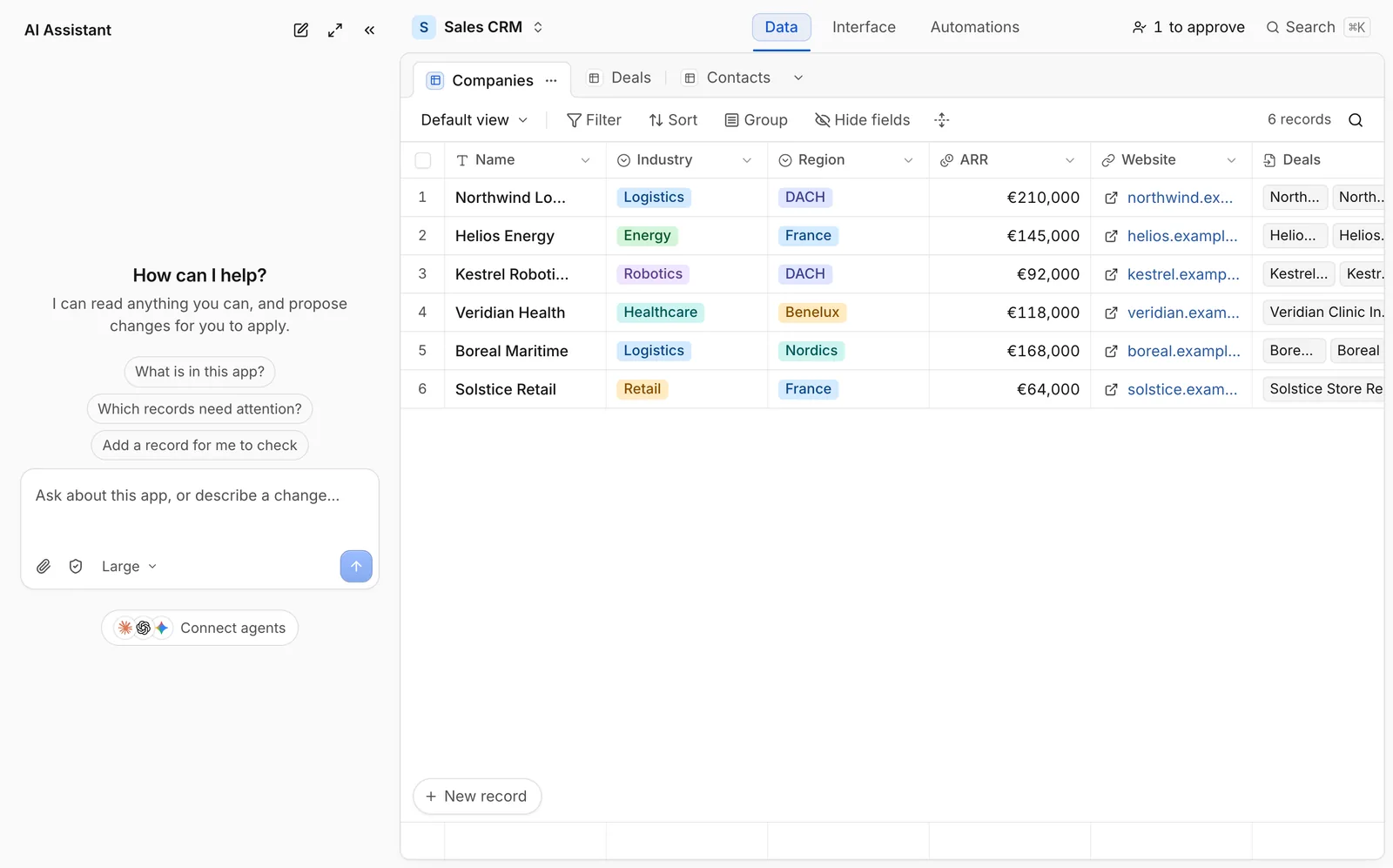
What you can ask
The assistant runs strictly as you, using the exact schema and records your roles allow:
- Answer questions across tables. Ask for totals, breakdowns, stalled deals, or summaries (
sql.queryexecutes safely through your compiled permissions). - Propose record changes. Ask to update statuses, reassign owners, duplicate records, or batch-update matching records. Every mutation renders a structured proposal card for you to review and click Apply before anything changes.
- Create personal views. Tell the assistant to filter, sort, or save a view tailored to your role (
views.create/views.update). - Import files (up to 25 MB). Drop a
.csv,.tsv,.xlsx, or.jsonfile into the chat. The assistant inspects column headers in a sandbox, confirms the field mapping with you, and proposes one batch import. - Build personal pages or automations. When your role permits personal tools, ask the assistant to fork a Template page or draft a personal workflow (
my.pages.*,my.workflows.*).
Safety guarantees and AI credit limits
- Zero silent writes. Read queries run immediately to answer questions; record writes always ask for explicit confirmation on a proposal card first.
- Invisible restricted data. The assistant never sees hidden tables or fields, so it can never reveal or leak restricted values in conversation.
- Per-role AI budgets. On Pro and Custom plans, builders can configure monthly AI credit limits per user role so heavy usage in one team never drains credits needed elsewhere.