Connect your agent
Connect Claude, ChatGPT, Cursor, VS Code, Codex, or scripts to your Grid82 suite using OAuth setup prompts or personal API keys.
You can connect external AI clients and terminal tools directly to your Grid82 suite so they read and update data on your behalf, limited strictly to your own permissions.
Open the app menu in the top-left corner and choose Connect your agent (also reachable via Settings -> Connections).
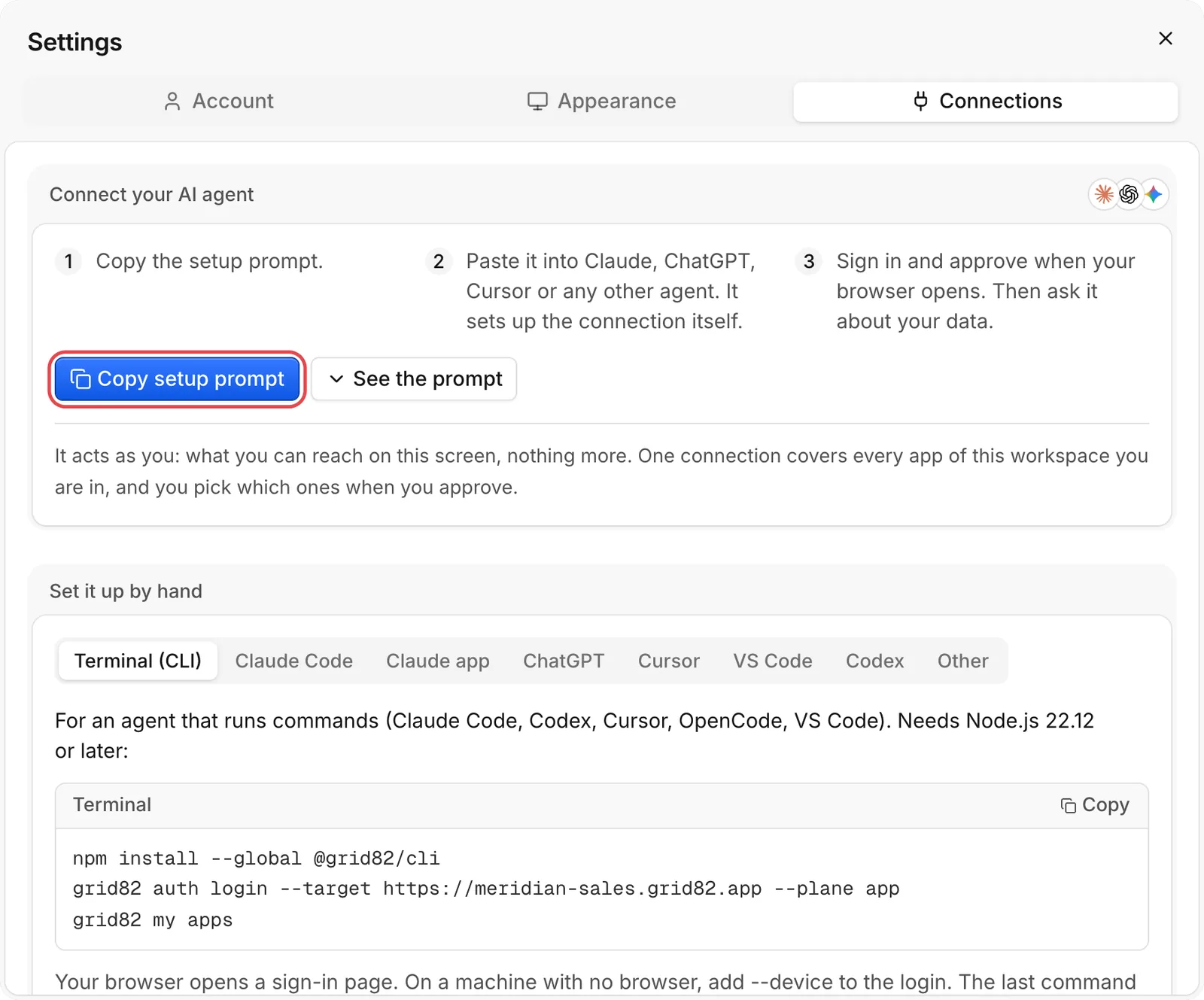
One-prompt OAuth setup (recommended)
- Click Copy setup prompt (highlighted in red).
- Paste the copied prompt into Claude, Claude Code, ChatGPT, Cursor, VS Code, or Codex.
- Your agent reads your suite’s public setup instructions (
https://{suite}.grid82.app/agent-setup.md), installs the@grid82/clior adds your suite’s MCP server (https://{suite}.grid82.app/mcp), and asks you to sign in. - On the browser consent page, tick only the apps of the suite you want this agent to reach and approve.
- The agent verifies access with a read-only check (
apps_list,me_get) without altering any records.
Managing personal API keys and active connections
- For developers (API keys). Expand the For developers section (or open Settings -> Connections) to mint a personal
g82_API key scoped to a single app (records:read,records:write,schema:read,pages:read,pages:write,members:read). Copy it immediately, as keys are shown once and expire after 90 days. - Revoking access. Active OAuth grants and personal keys appear in Connections. Revoke any entry at any time to terminate its access immediately.
Read Set up your agent for step-by-step manual setup instructions per client.